Australian salons: this setting is not available for Australian accounts from 1 October 2026.
You can pass online processing fees directly to your customers, ensuring you keep the entire service amount. This means you won't lose a portion of your revenue to transaction fees, helping you maintain your profit margins. It's a simple and effective way to maximise your earnings and keep your business thriving!
To access the Pass On Payment Processing Charges setting:
1. Go to Online
2. Select the Admin tab
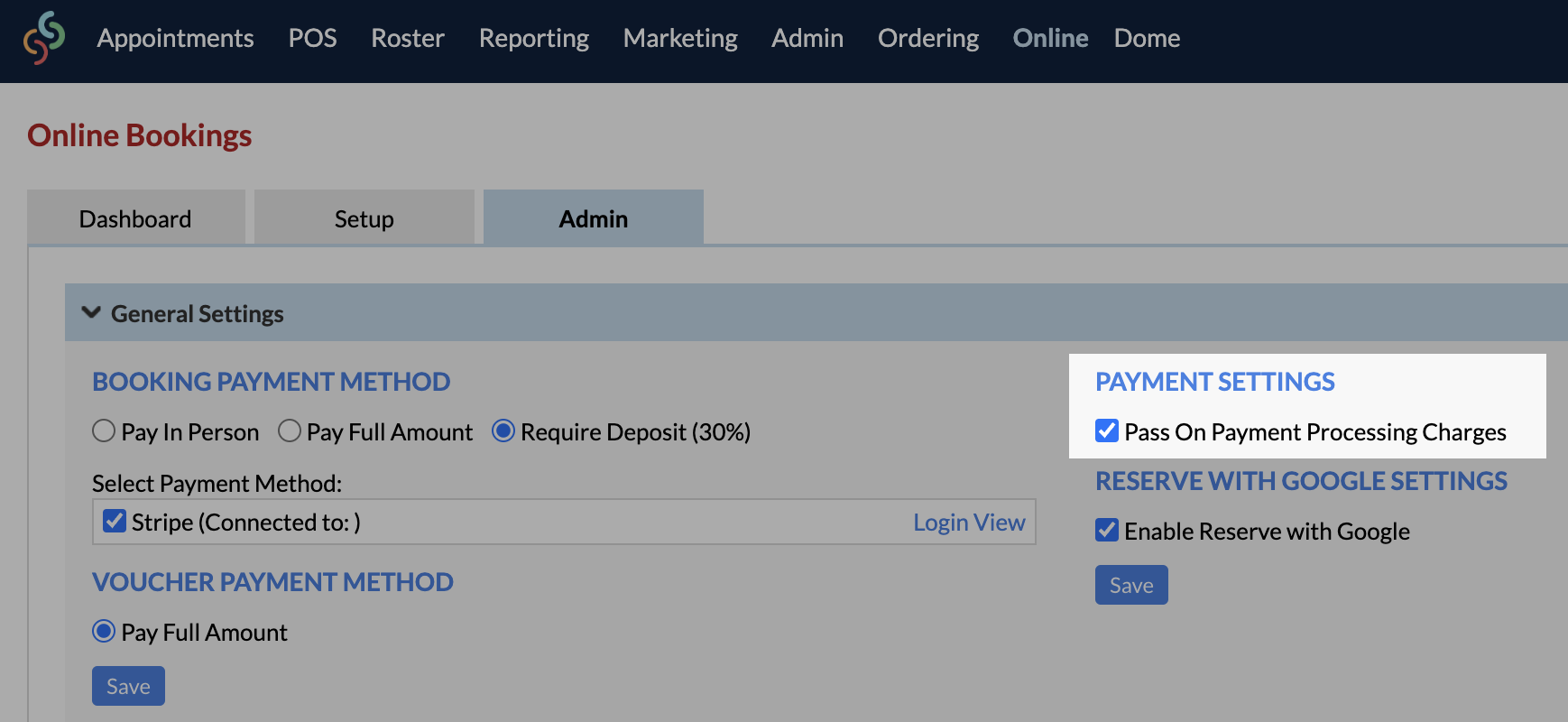
3. In General Settings, enable the tickbox next to Pass On Payment Processing Charges
4. Click Save once complete.